From first idea
to finished manuscript
Here's the path a novel takes through Novelest — from a blank project to an exported book you can send anywhere.
Create a project
Create an account with Google or email, choose Standard or Pro, then select your format — novel, short story, or script. Your plan includes monthly AI credits from the start.
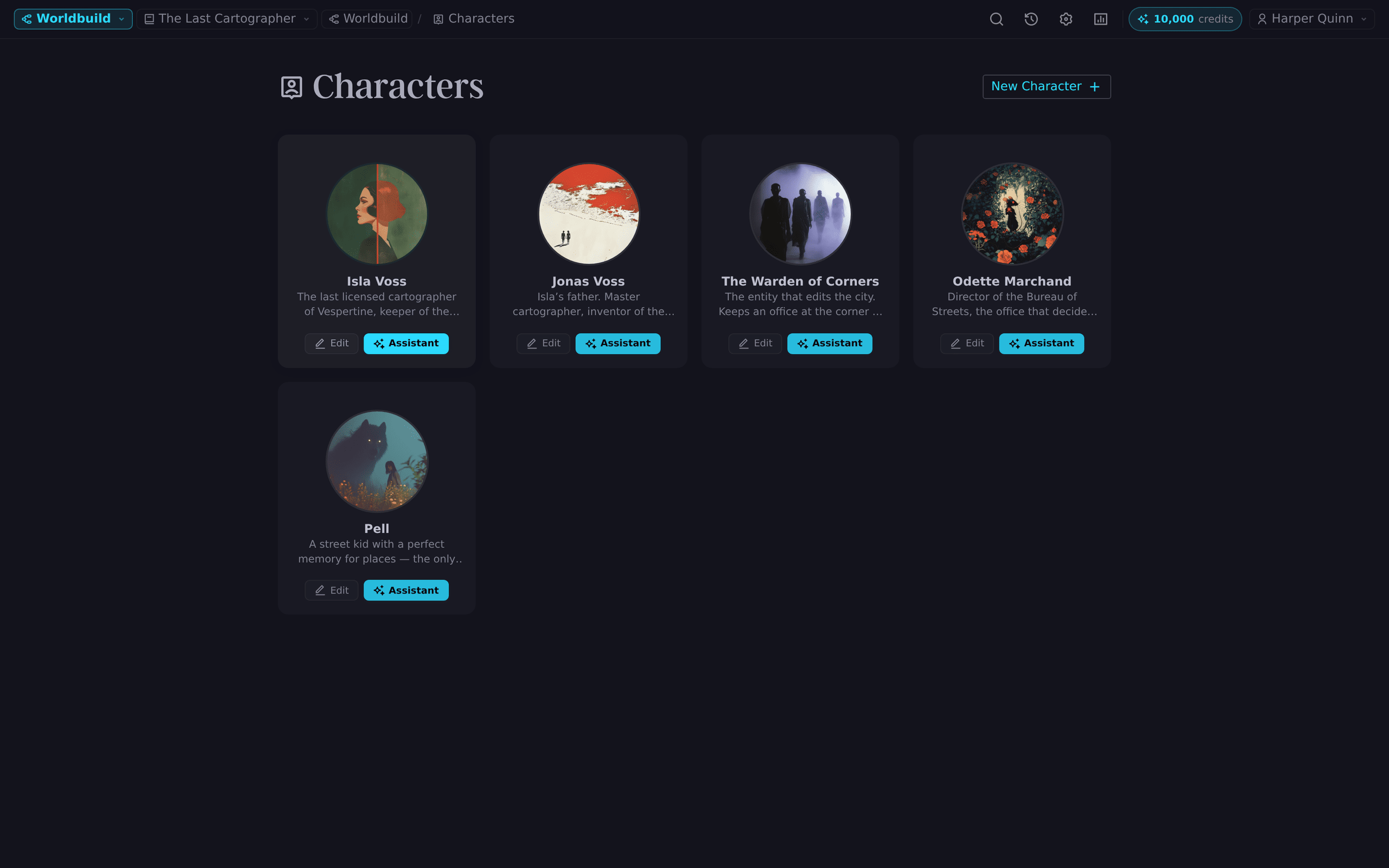
Build your world
In the Worldbuild planner, sketch your characters (backstories, motivations, relationships), locations, and important objects. Together with your scenes, this becomes the story bible your AI tools can draw on.
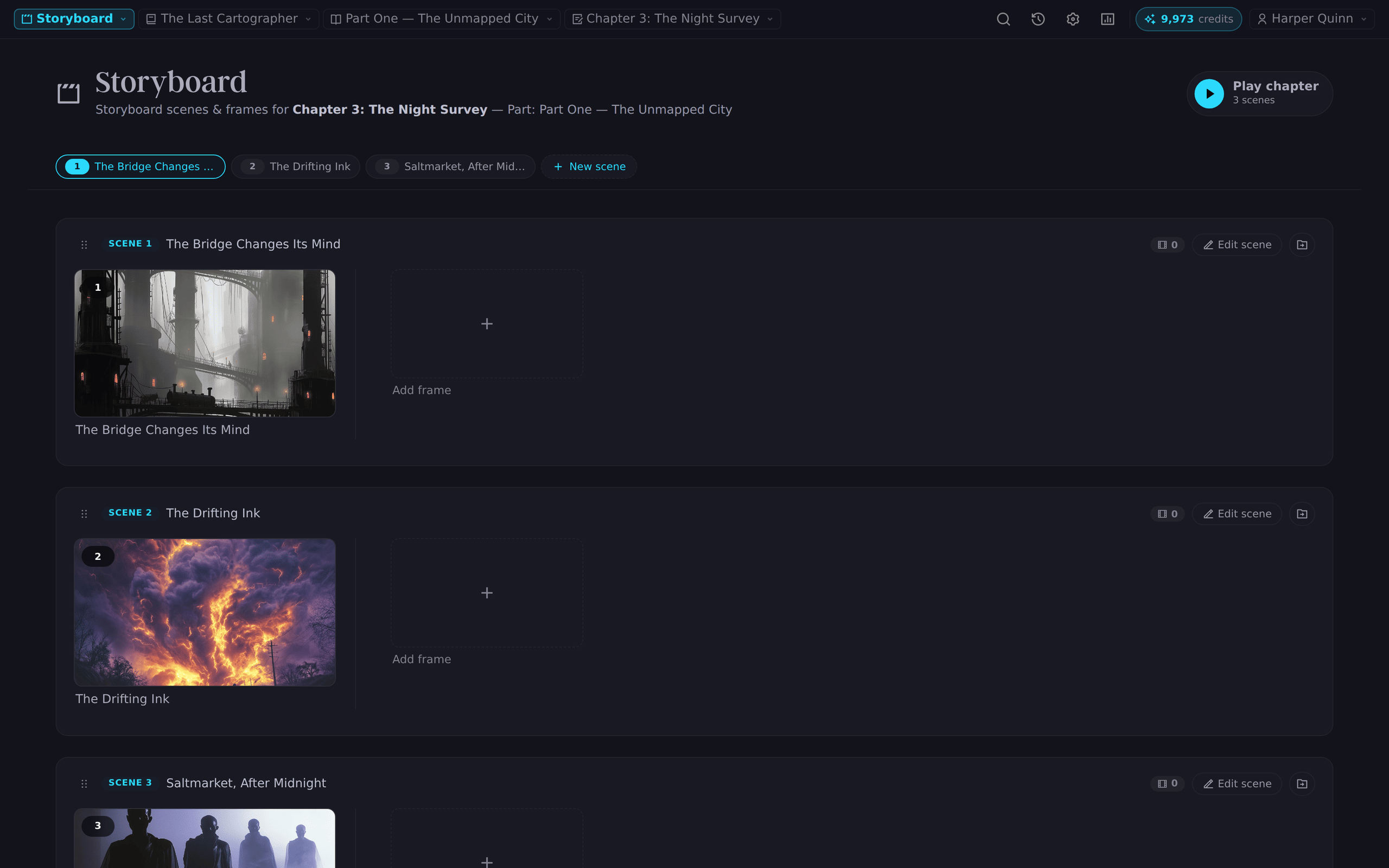
Structure the manuscript
Lay out parts, chapters, and scenes. Use the Storyboard to arrange scenes visually and see your structure and pacing before you commit words to them.
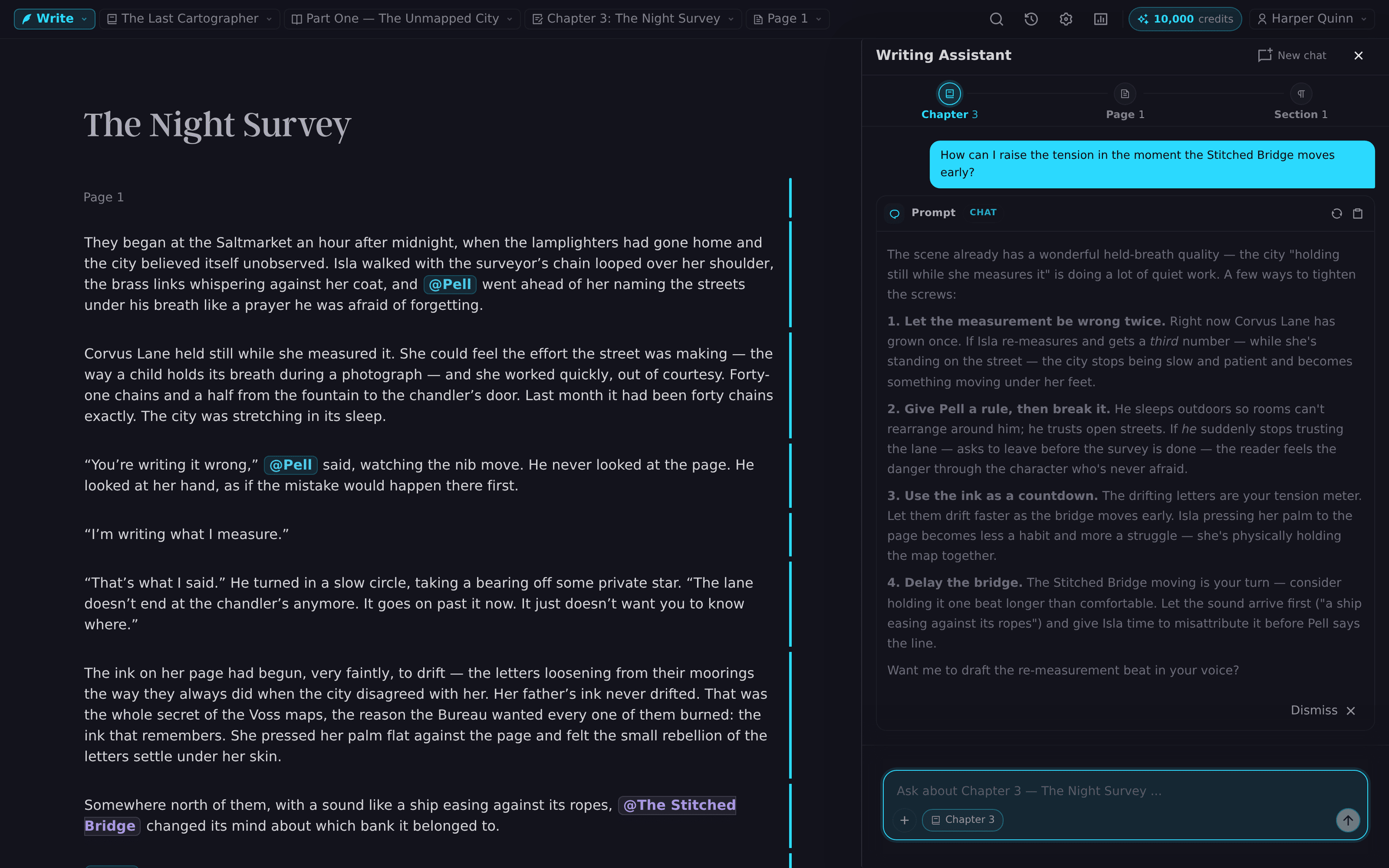
Write — your way
Draft in the full editor with inline AI assistance, go heads-down in Focus mode, or hand Auto-Write an outline and shape the draft it streams into your manuscript.
Revise and polish
Shorten, lengthen, and revise paragraphs; run critique, pacing, and continuity checks; polish dialogue. Read your book in reader mode to hear it the way your audience will.
Export and share
Download your finished manuscript whenever you like. Everything you wrote is yours — export it, submit it, publish it.
Tools that meet you at every stage
Revision History
Every draft is preserved, so bold experiments are always reversible.
Notes & Annotations
Notate mode layers edit marks and reminders over the manuscript without touching the prose.
Visual Inspiration
Generate character portraits and scene imagery to keep your mind's eye sharp.
Step one takes about a minute
Create your account, choose a paid plan with monthly AI credits, then build your first project. See the features and pricing.
Create Your First Project