Text to video
Describe the action, camera movement, light, and mood. Director Mode turns the written brief into a cinematic clip.
Prompt → video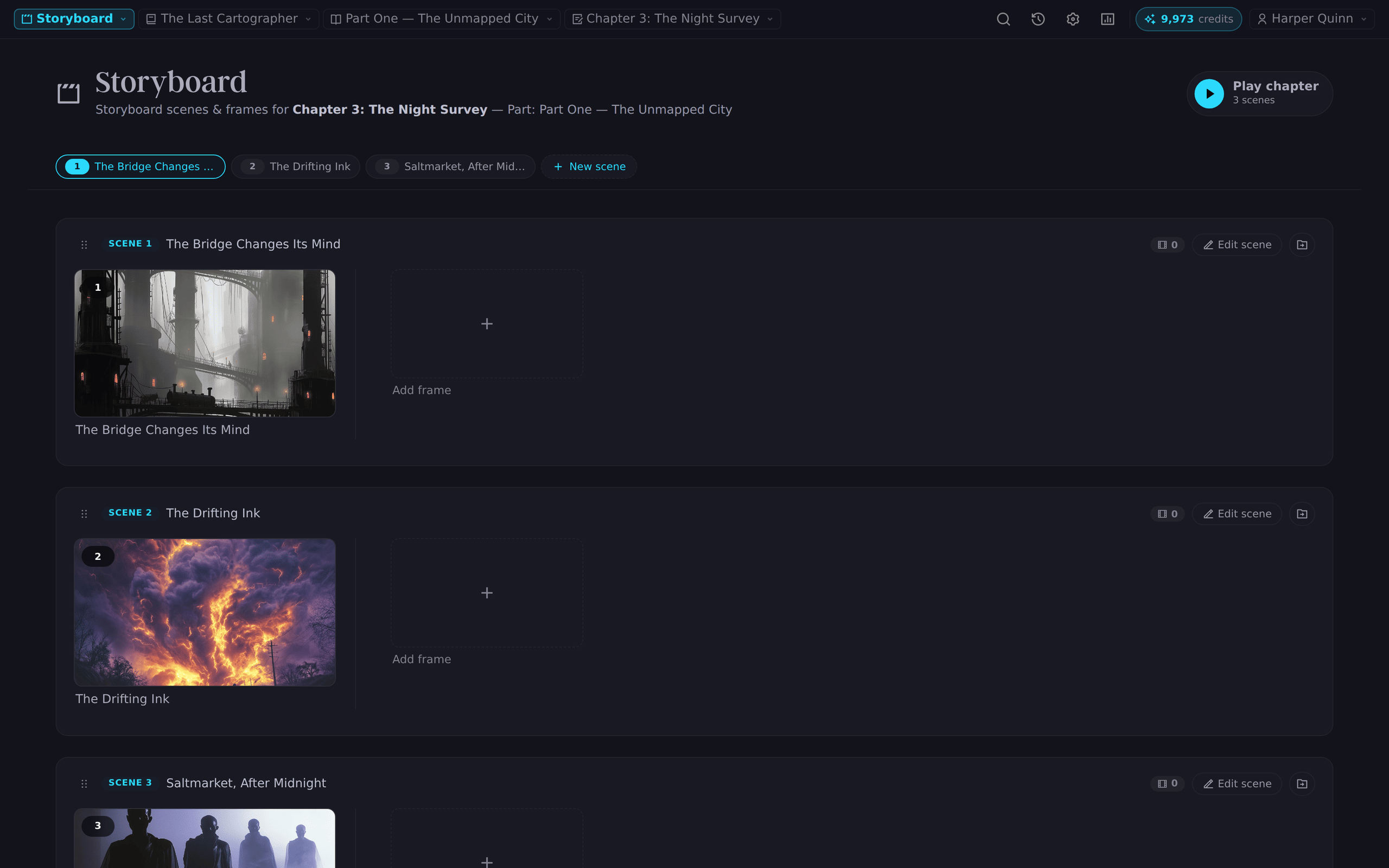
Direct cinematic AI video without leaving your manuscript. Novelest brings your scenes, characters, locations, reference art, and shot notes into one focused filmmaking workspace.
Director Mode is built around the material you already created. It keeps visual development connected to your story instead of scattering prompts, references, and clips across separate tools.
Start from a scene or storyboard frame, with its narrative context already attached.
Shape the prompt, framing, motion, duration, aspect ratio, sound, and visual references.
Create with Seedance, preview the result, and keep the clip with the frame it belongs to.
Open any storyboard frame in Director Mode and Novelest carries over its description, cinematography, image, and AI video prompt. Mention characters and story elements directly, then let their lore and artwork guide the generated shot.
Work shot by shot, preview completed clips in place, and keep the visual sequence tied to the chapter it came from. The manuscript remains the source of truth.
Shot 04 · Rain at Calder StreetSlow dolly in as Mara turns toward the streetlight. Rain catches the warm light; hold on her recognition.
Describe the action, camera movement, light, and mood. Director Mode turns the written brief into a cinematic clip.
Prompt → videoAnimate an existing storyboard frame or generated scene image while preserving the visual starting point.
Frame → videoSelect characters, locations, and objects from your story bible so their artwork and lore guide the shot.
Story world → videoNovelest supports ByteDance Seedance 2.5, Seedance 2.0, and Seedance 2.0 Fast through one consistent Director Mode workflow.
Longer takes with native audio support and flexible text, image, and reference-led generation.
A versatile choice for polished shots across all three generation modes.
Move quickly through visual ideas, shot tests, and alternate directions.
Video generation uses AI credits from your shared Novelest balance. Novelest selects the appropriate model for the feature, and you can add credits anytime.
Compose for 21:9, 16:9, 4:3, square, portrait, or vertical video.
Generate sound design, ambience, and supported lip-synced dialogue with the shot.
Bring up to nine character, location, or object images into a generation.
Carry shot size, angle, movement, lens feel, lighting, and timing into the brief.
Draft or refine a directorial prompt from the frame and its story context.
Keep working while a video generates, then review it when the shot is ready.
Director Mode is Novelest’s visual storytelling workspace. It connects scenes and storyboard frames to AI image and video tools, letting writers plan shots, direct motion, use story references, and keep generated clips organized with the manuscript.
Yes. Novelest supports ByteDance Seedance 2.5, Seedance 2.0, and Seedance 2.0 Fast for AI video generation. Generations use the same AI credit balance as Novelest’s writing, image, and audio tools.
AI video consumes credits according to the model and generation settings used. Standard includes 5,000 monthly credits and Pro includes 10,000; one-time and recurring credit packs are available whenever you need more.
Yes. Add an image to a frame and use image-to-video generation to animate that still. You can also generate from text alone or use multiple story-element images as references.
Yes. Director Mode includes an audio control for supported Seedance generations, including sound design, ambience, and supported lip-synced dialogue.
Build the world, frame the moment, and generate it with Seedance in Novelest Director Mode.
Start Creating